Class Register
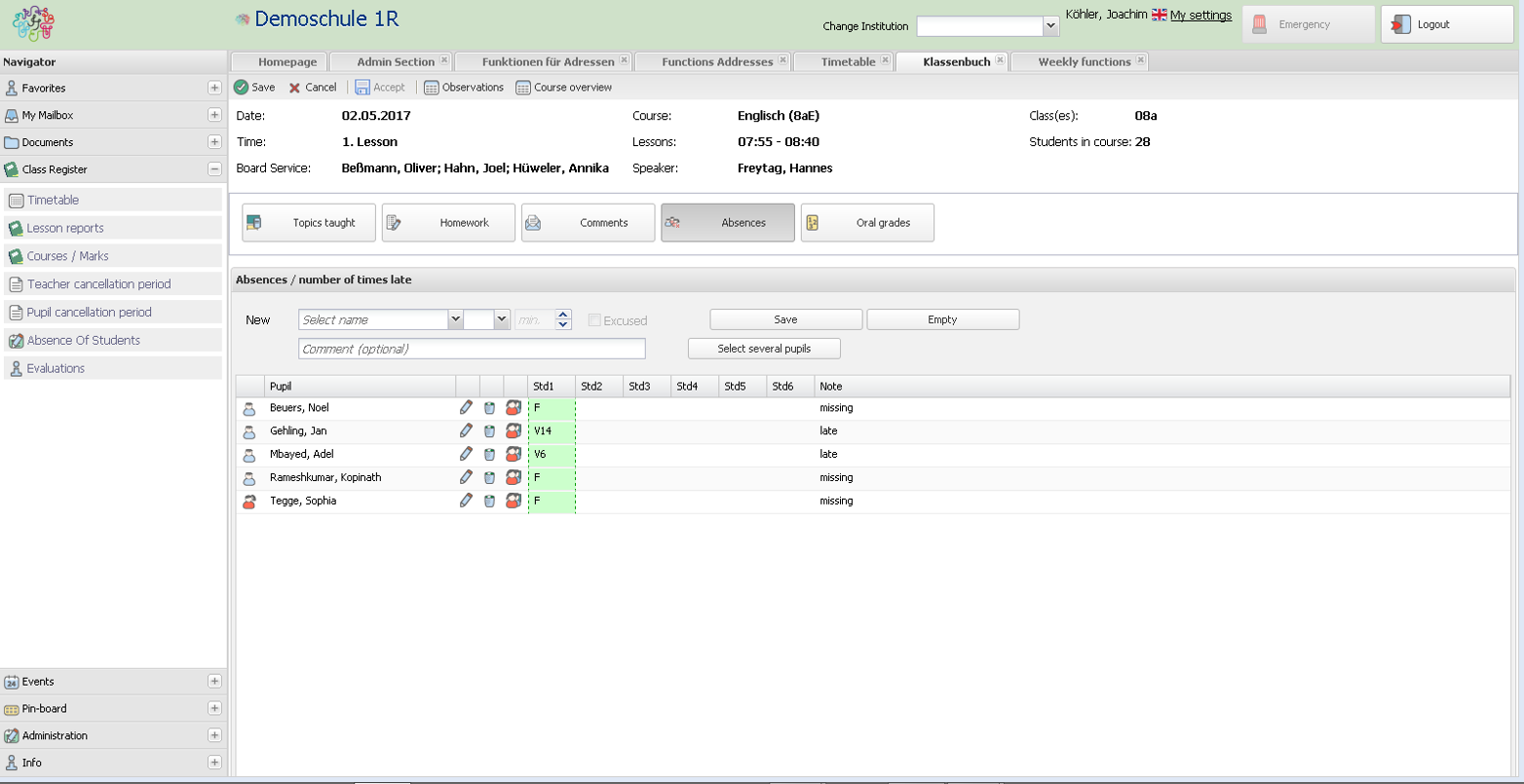
The Class Register (or Class Book) is a central module of BRAINY. Teachers all over the world have to document their teaching. Based on this documentation they decide to inform custodians, they write down what they have to think of as a result etc. When the documentation is done in BRAINY, extracts are made visible to the custodians or the teacher's colleagues. So they know in-time about the student's actions in class or their behaviour. Problems are noticed more easily, which leads to a shorter reaction time in addressing the parents. For example, if a teacher notices bad marks of his student, he can see with one click whether there are also accumulationg absences. As parents have full view on the documentation about their child, they can also address the teacher more faster.
In Combination With The Automated Information Workflow
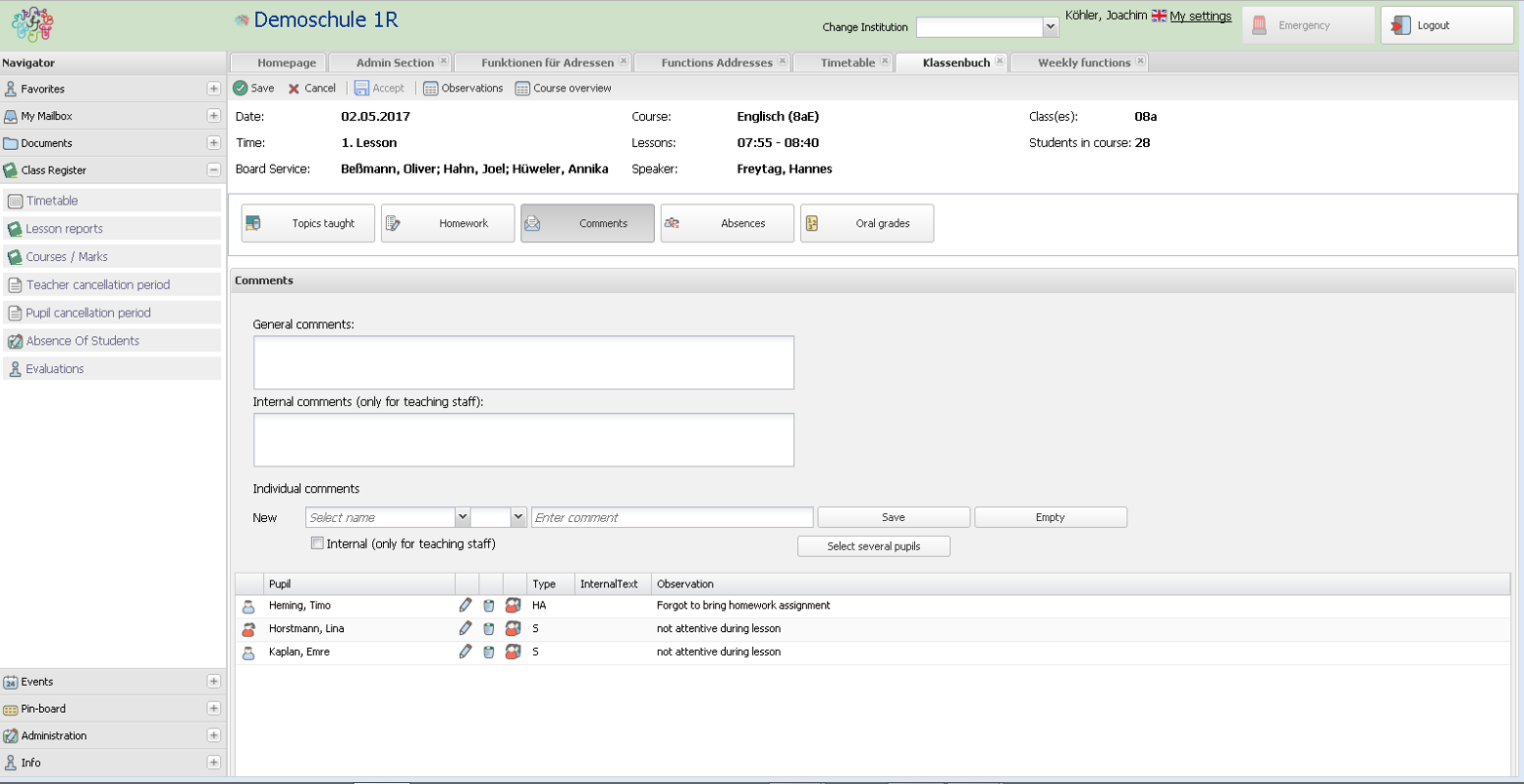
Remarks in the class register are links with a configurable counter. In case of x occurrences the subject teacher or class teacher can send an automated generated message to the custodians with one click. This message will be directly stored in the electronic student file.
In Combination With the Parents' Integration
Parents/Custodians are able to report their child absent from class. This information is in-the-second visible to all teachers of the class. They can follow-up this information in case of later written excuse-letters.
In Combination With Statics, Reports and Certification Module
A detailed statistic shows all absences of students, even down to a minute. In case this information is needed on the certificates, it will be passed there in an automated way. If there is a limit for absences per course that must not be reached, a course can be automatically set as "failed".
Remark: as BRAINY will work in schools all over the world, some features may not be needed in all countries.
Sections Of The Class Register
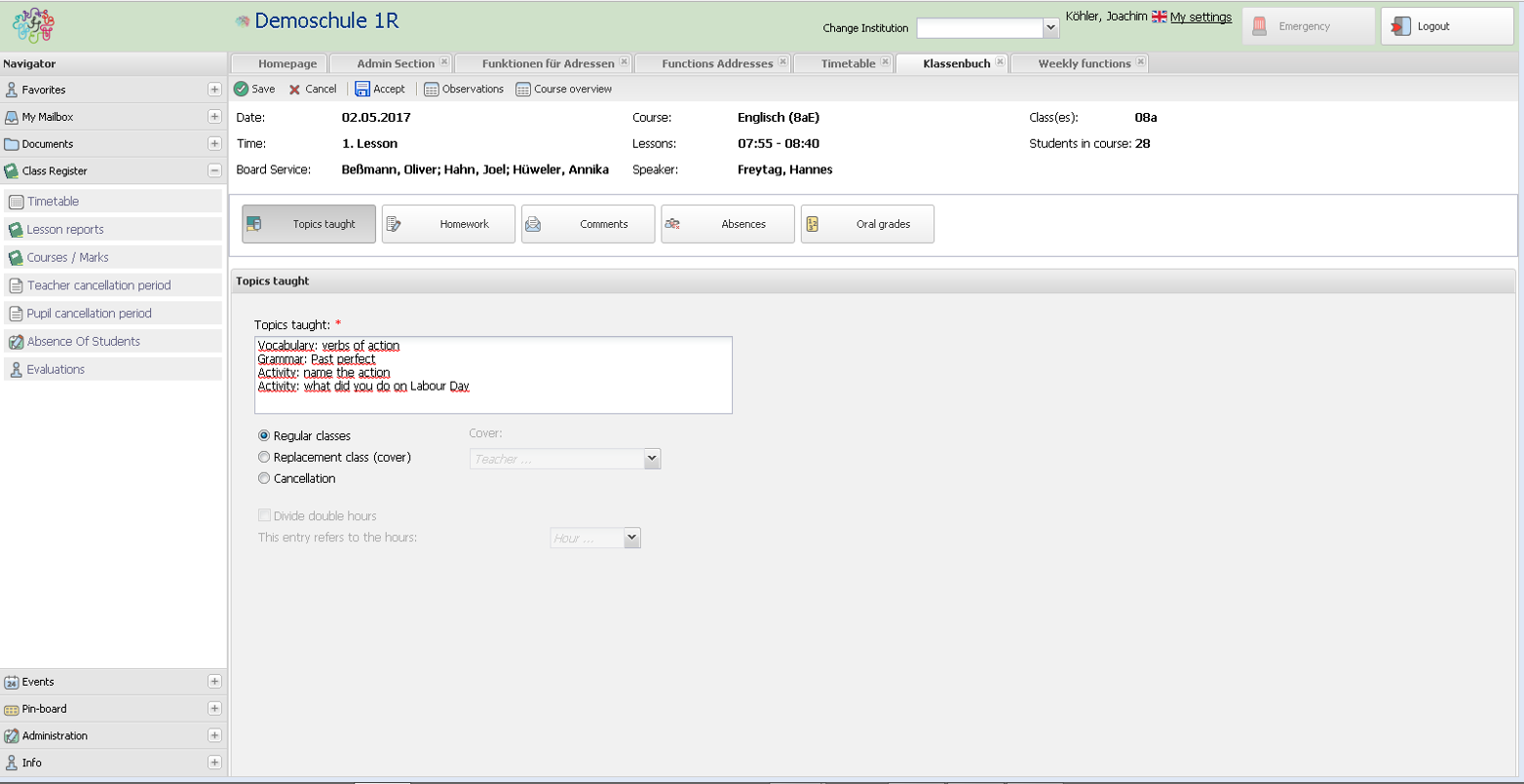
- Content of lesson
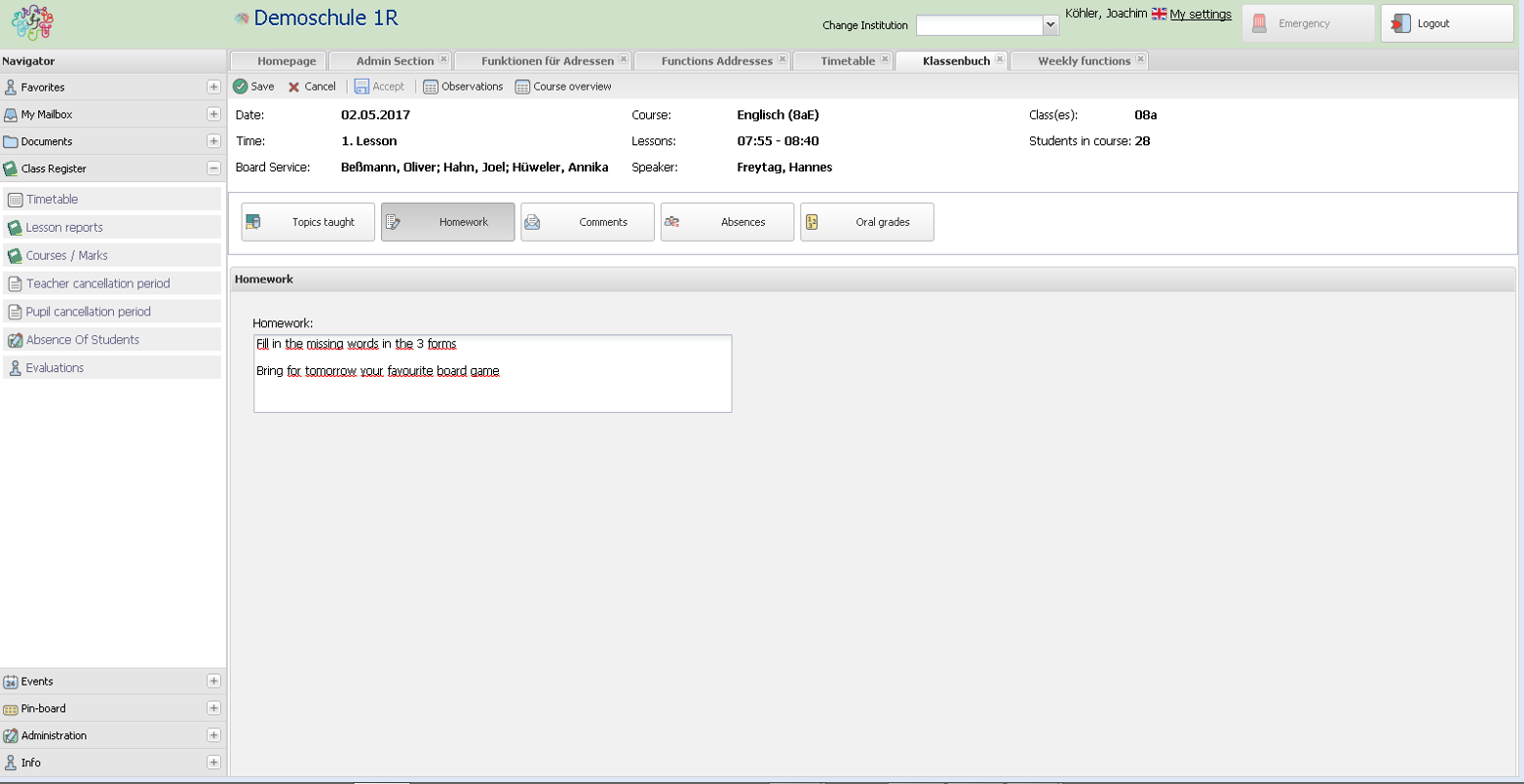
- Homework assignement
- Custodians can only select the individual timetable of their children
- Views are available for either an entire week or a single day
Connected Modules
- Address management (mandatory)
- Examination Module/Wizard
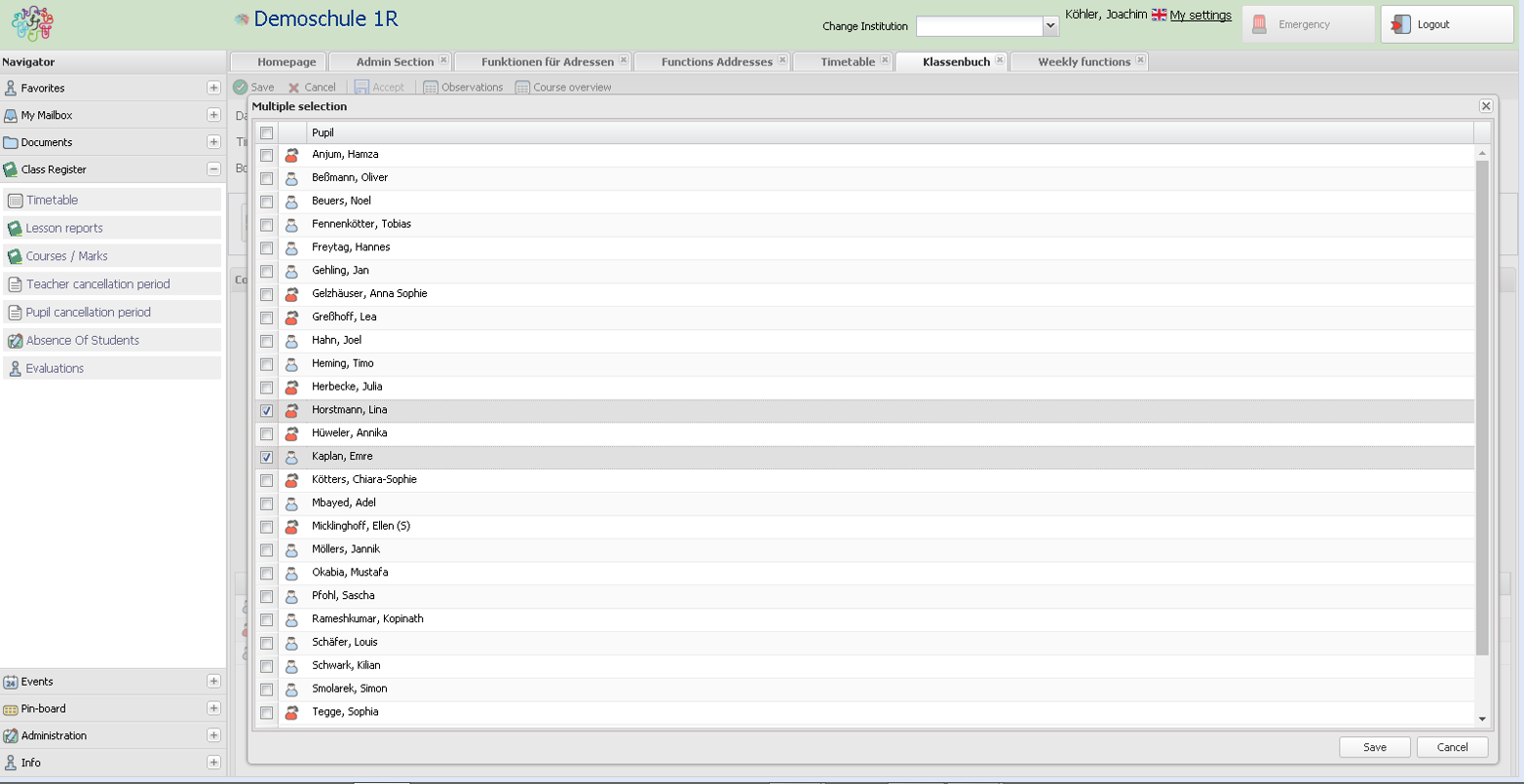
- Comments/Remarks on students
- Absences
- Access to Oral Grades (optional)